
 3 min
3 minWhat you’ll learn in this article
With the Pluga Formatter, you can automate the formatting of dates, numbers, and characters in seconds, without writing a single line of code.
How Pluga’s Formatter works in practice
Pluga’s data formatting feature is divided into two main actions:
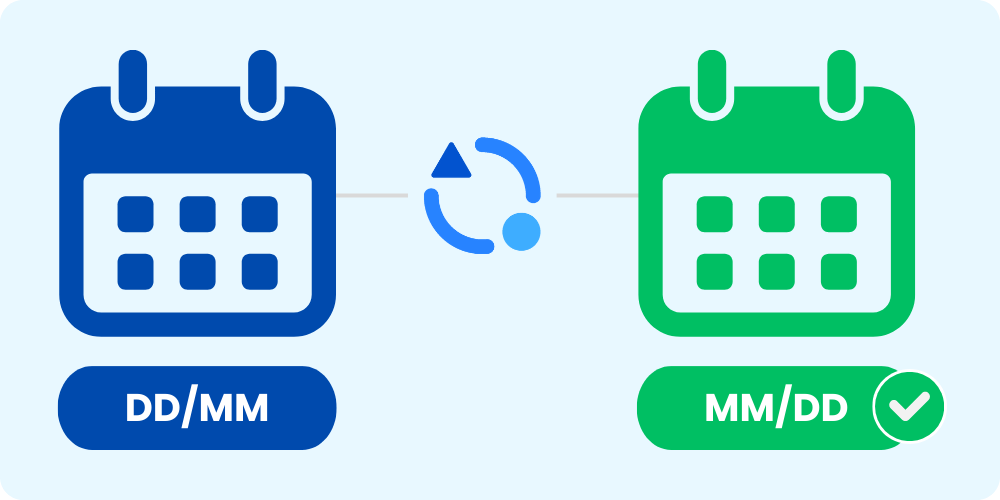
Change date format: perfect for connecting apps that use different date formats. For example, when the source app sends a date as DD/MM/YYYY, but the destination expects YYYY-MM-DD (or the other way around).
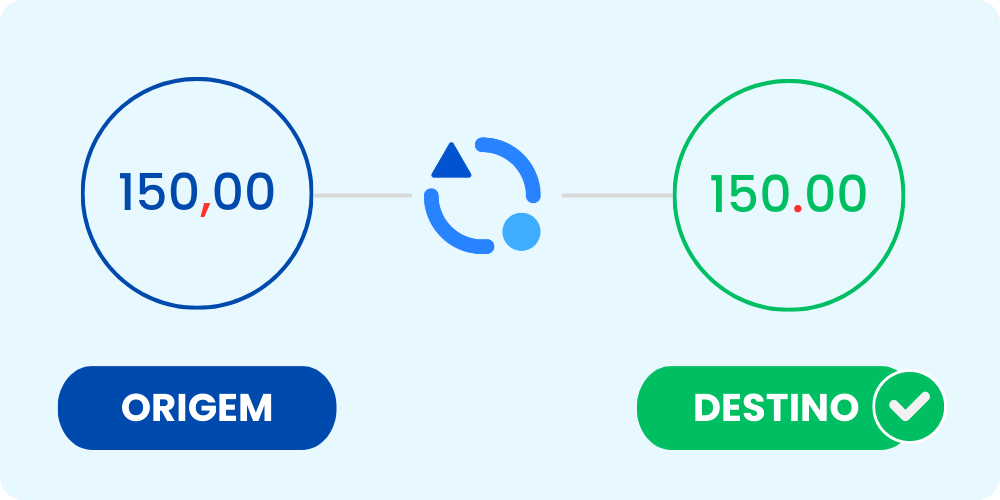
Replace characters: Useful for converting number formats (like switching a comma to a period so “1.500,00” becomes “1,500.00”), replacing specific terms or strings, or cleaning up unwanted characters in text fields (such as removing a “+” from phone numbers).
Real-world examples
Adjusting financial values for invoicing
💡
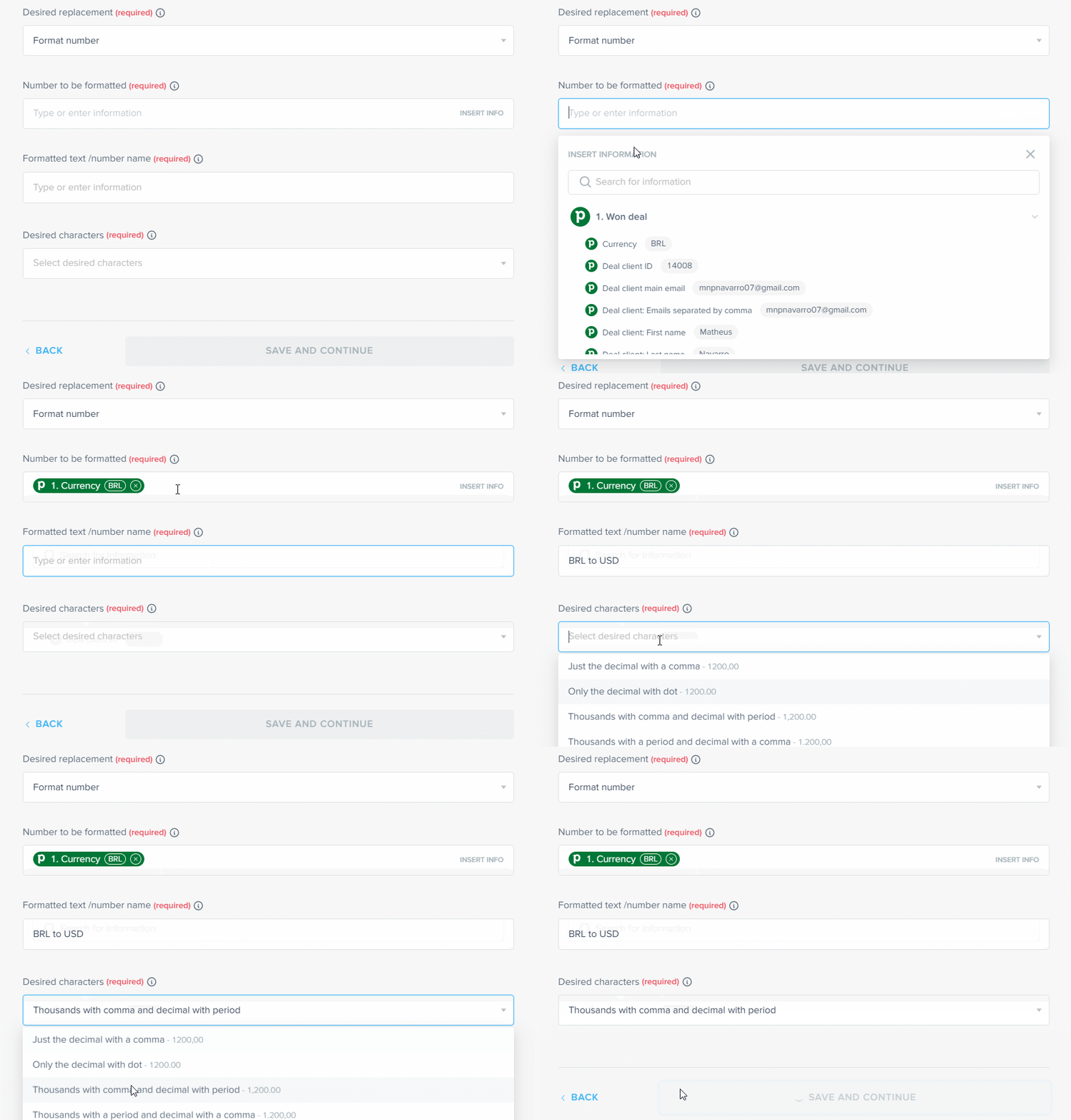
Imagine you track and record all your sales using a CRM configured with a European or Latin American number format, exporting values as 1.500,00.

🚨
When generating an invoice in a system that follows the U.S. standard, this value might be rejected or misinterpreted, since the expected format is 1,500.00.
With the Formatter, you can configure a number formatting action that automatically applies the correct standard, preventing errors and ensuring the invoice is generated correctly without any manual adjustments.
Character replacement for spreadsheets
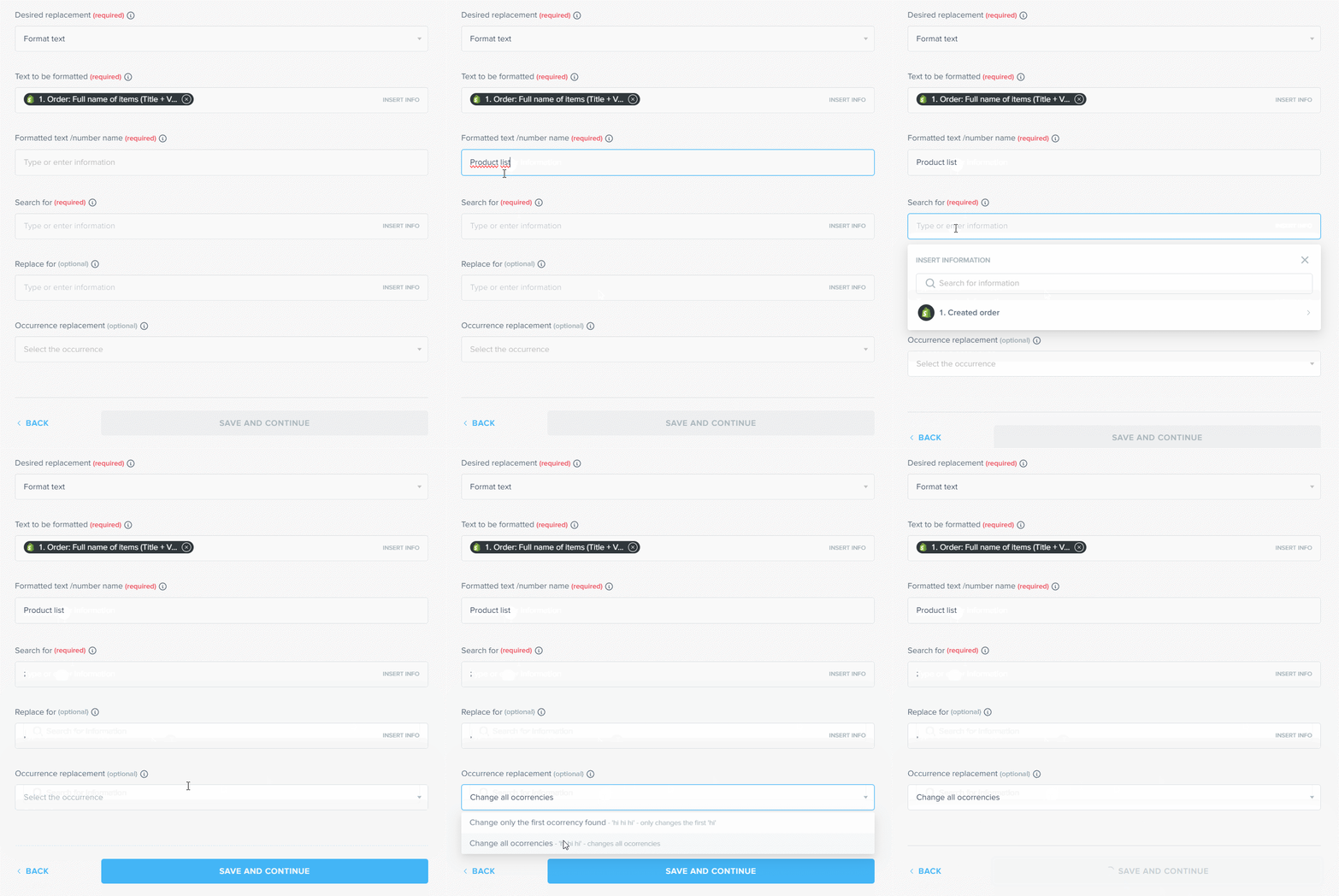
Many spreadsheets exported from systems configured for different locales use semicolons (;) to separate values, while apps like Excel or Google Sheets in EN-US environments expect commas (,).
Using the Formatter’s character replacement, you can automatically convert every “;” into “,” before sending the data to the final spreadsheet.
This ensures calculations, filters, and imports work correctly without you having to open and correct the file manually.
Standardizing date formats for integrations
Suppose your CRM exports dates in DD/MM/YYYY format, but the destination app, such as Google Calendar, Trello, or a management system, requires YYYY-MM-DD. Without this standardization, the integration may fail or create events on the wrong dates.
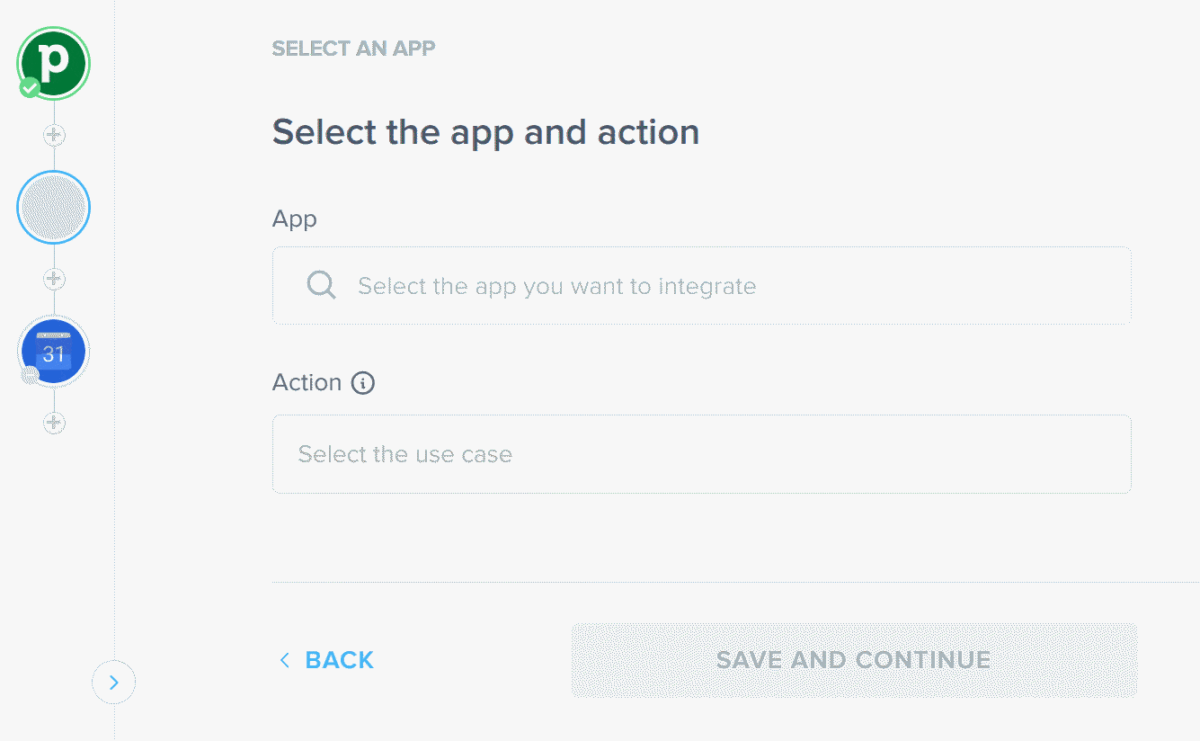
By changing the date format through the Formatter, you automatically adjust the standard for the next step in the workflow. This ensures events, records, and reports appear correctly, without manually fixing each date field.
🕒 Tip
If your apps operate in different time zones, you can adjust this as well.
For example: let’s say your CRM operates in a different time zone and sends sales data based on the system’s local time, but you need to record and invoice those sales using U.S. time.
With the Formatter, you can set the source time zone and the destination time zone, and Pluga handles the conversion for you.
🚨 Important Automations using the Formatter work just like any other app connection in Pluga, but with one key requirement:
The Pluga Formatter cannot be the first app in the automation flow.
In other words, for Pluga to know what needs formatting, your automation must include at least three apps, in this order:
- App A
- Pluga Formatter
- App C
Benefits of using the Pluga Formatter
Now that you know how the Pluga Formatter works and where it can help, what are the real advantages of automating data formatting?
Beyond making your workflows simpler, here are some clear benefits:
- Saves time and eliminates repetitive tasks;
- Reduces human error, ensuring consistent data
- Highly versatile and useful for sales, finance, internal communication, and more.
FAQ
The Pluga Formatter is one of Pluga’s features that automatically changes or replaces dates and characters between two or more apps.
Change date formats: ideal when the source app sends dates in MM/DD/YYYY or DD/MM/YYYY format but the destination requires YYYY-MM-DD, or the other way around.
Replace characters: useful for converting number formats, such as switching 1.500,00 to 1,500.00, or adapting values in the opposite direction when needed.