
 3 min
3 minImagine building automations that don’t just move data between apps, but actually understand, interpret, and transform information before sending it forward.
Give your automations superpowers with Pluga’s AI
With Pluga, you combine the power of large language models (like ChatGPT and Gemini) with flexible no-code automation. The result? Workflows that understand context, analyze information, and extract data to make every integration smarter and more efficient.
How to use AI in Pluga
Pluga connects to the leading LLMs on the market, so you can use AI to:
Enrich data and generate content
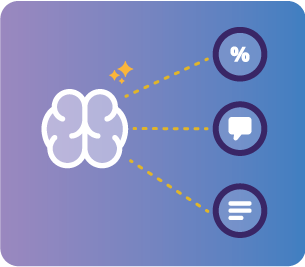
Use ChatGPT or Gemini inside your automation flows to interact with information and produce personalized outputs at scale, texts, analyses, summaries, emails, product descriptions, welcome messages, and more, then automatically send everything to your connected apps.
Extract structured data
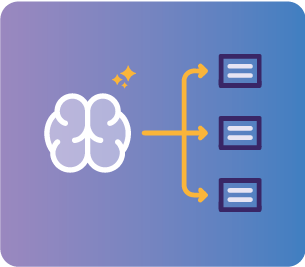
Pull multiple data points from unstructured text (like emails, messages, or form submissions) and turn them into structured fields ready for your CRM, spreadsheet columns, or management apps in the next steps of your automation.
Automate through MCP (Model Context Protocol)
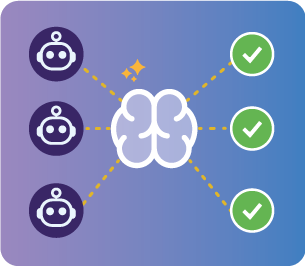
Chat naturally with your favorite LLM (ChatGPT, Claude, etc.) directly in the chat interface and give commands for Pluga’s MCP to execute real actions in your apps with security and visual control over every operation.
Want to see AI in Pluga in action?
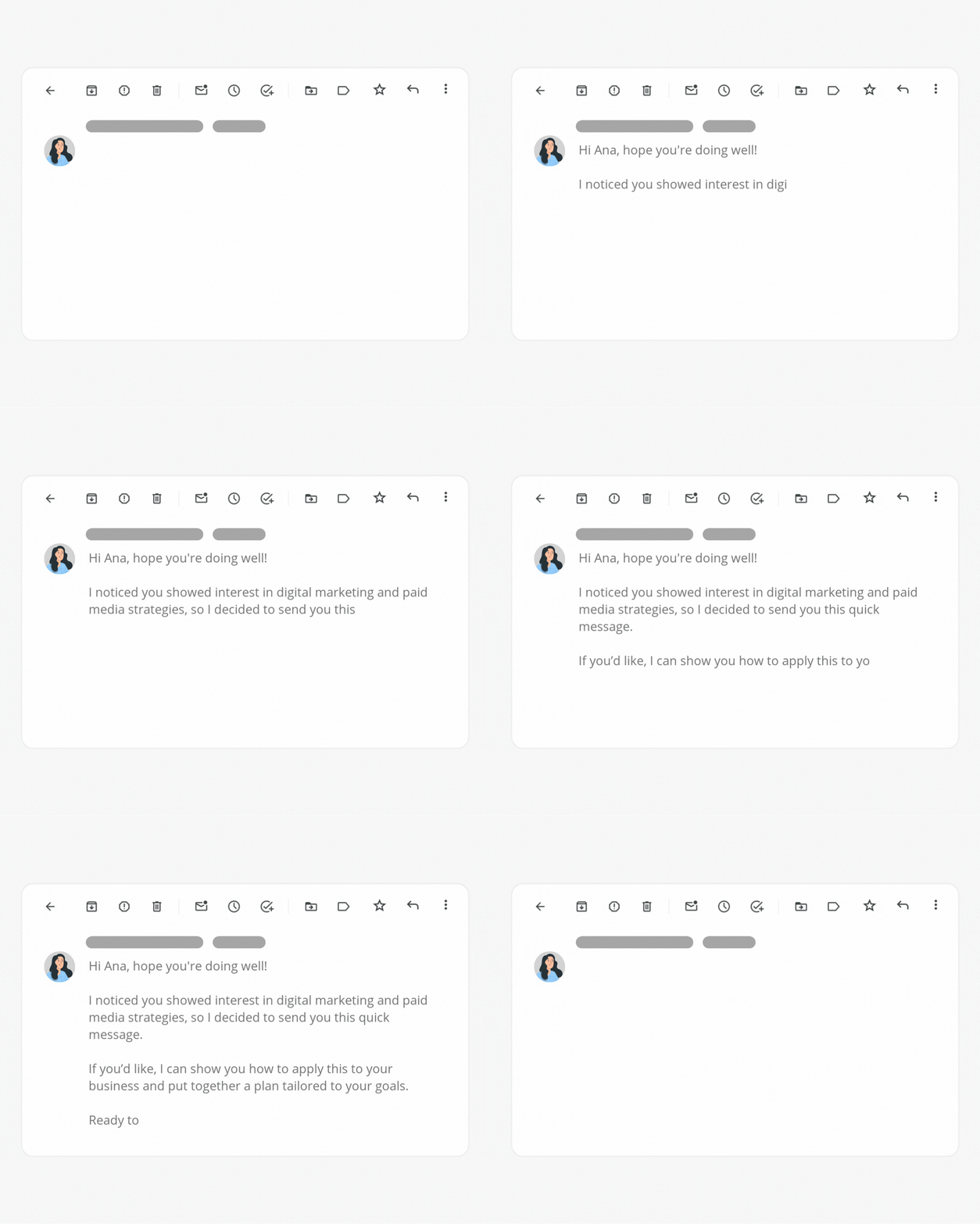
Hyper-personalized sales emails
A lead fills out a form with open-ended responses. ChatGPT reads the answers, identifies the company segment, qualifies purchase potential, and generates a ready-to-send sales email.
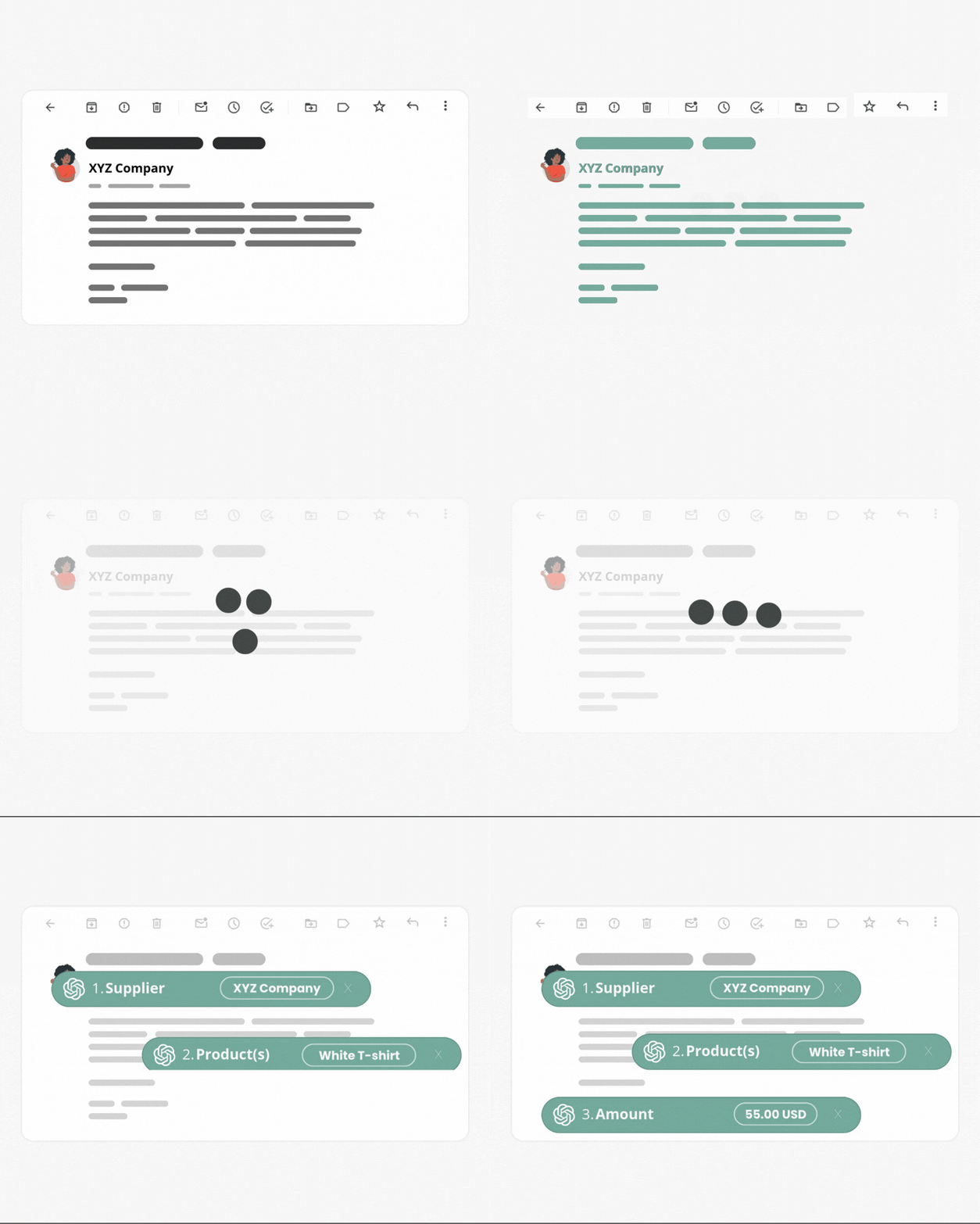
Turn invoice emails into spreadsheet rows
Whenever you receive a billing email, ChatGPT or Gemini processes the message and returns each data point separately, ready to log into your cash flow spreadsheet.
Send tasks to your team straight from your AI chat
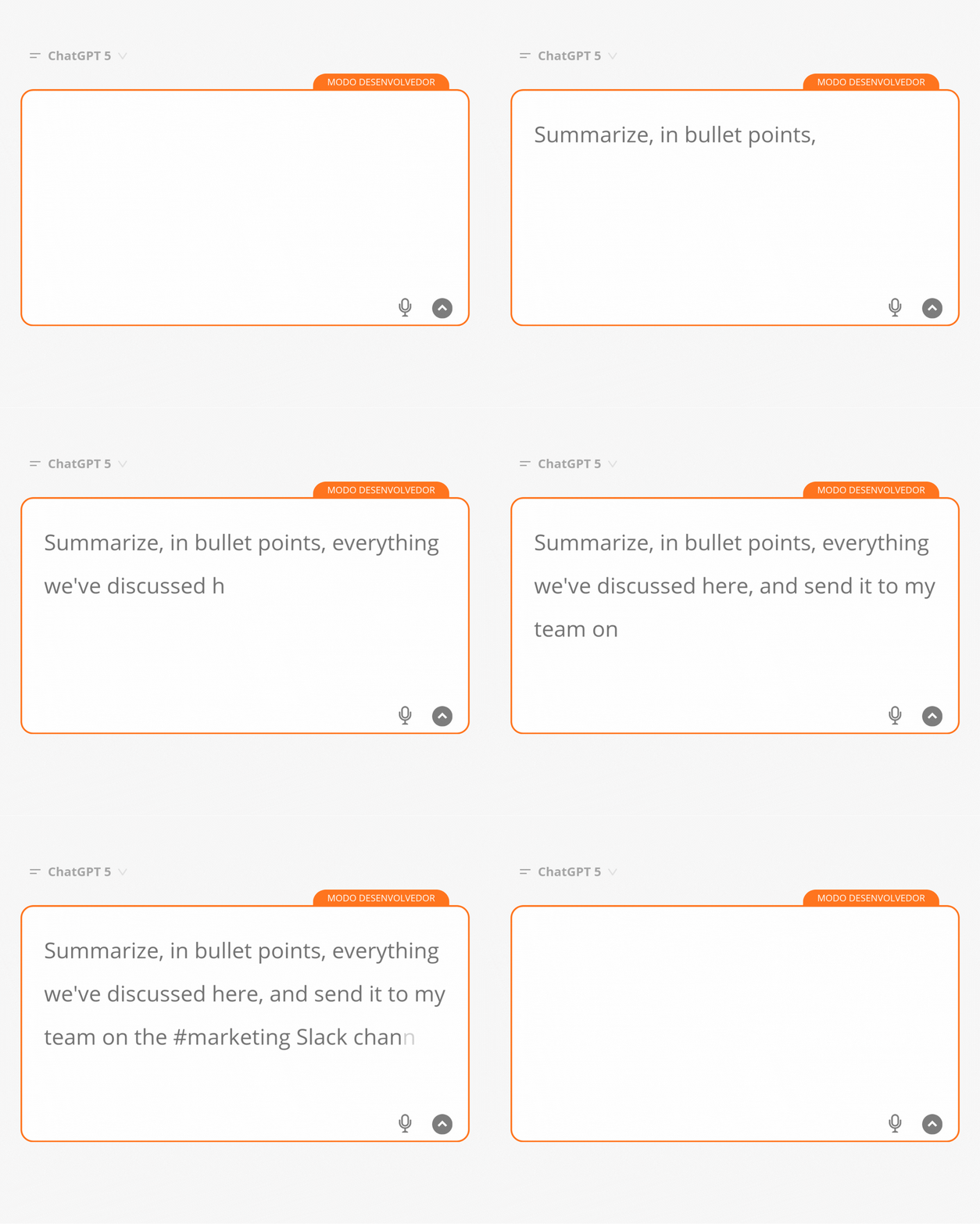
You’re chatting with ChatGPT about the latest AI trends. At the end, you say:
“Summarize everything we discussed in bullet points and send it to my team in the #marketing Slack channel.” The message is sent automatically.
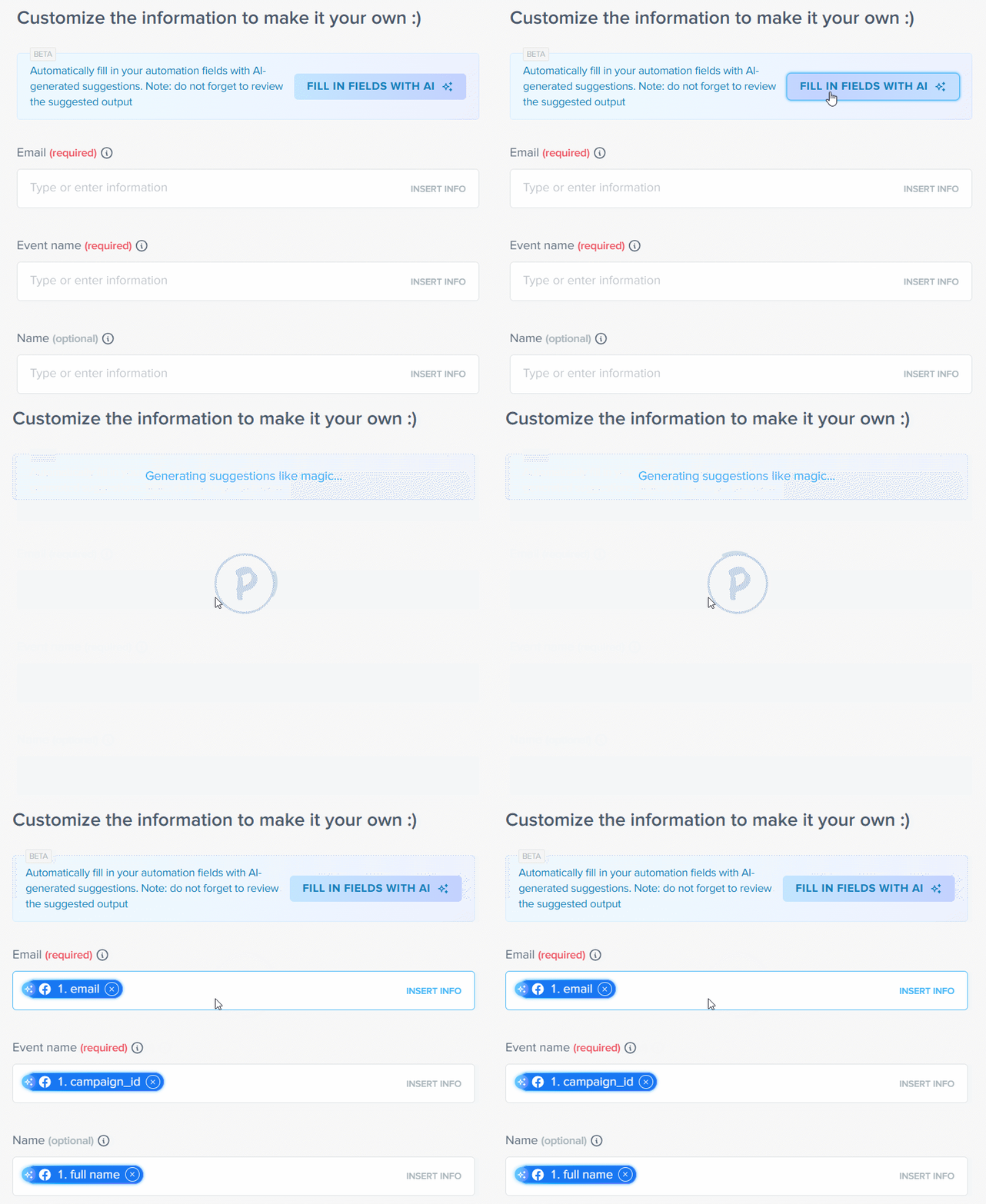
AI-powered mapping
🪄 You can also use Pluga’s AI to configure automations with a single click, like magic.
How AI integrations work in Pluga
AI integrations in Pluga are just as easy to set up as any other automation, with one key difference: AI processes and transforms the data before it reaches its destination.
The flow works like this:
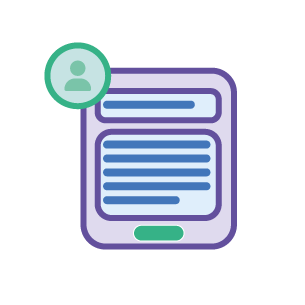
1️⃣ An event happens (an email arrives, a form is submitted…)
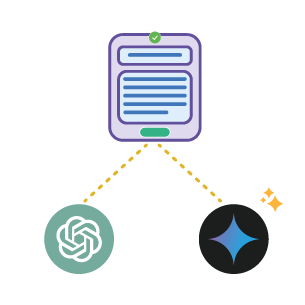
2️⃣ Pluga sends the information to AI (ChatGPT, Gemini, Claude…)
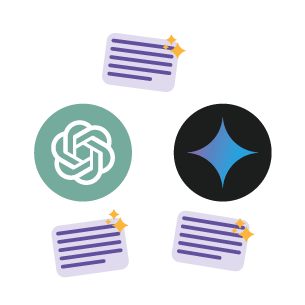
3️⃣ AI processes the content and returns enriched, structured data or insights.
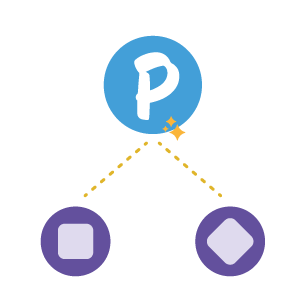
4️⃣ Pluga sends the result to the destination (CRM, spreadsheet, Slack, etc.)
💡 Best part: no complex setup. Pluga handles everything for you.
Why use AI in Pluga?
✅ Intelligent automation, not just rule-based automation: AI interprets, adapts, and enriches data based on your prompt, not just repeats predefined steps.
✅ No code, no complexity: no APIs, no technical setup. Pluga translates everything into a visual, intuitive interface.
✅ Total flexibility: use ChatGPT or Gemini depending on your needs. Combine different models across different automations.
✅ Security and control: you decide what AI can access, which data it processes, and where results go.
✅ Scalability: process hundreds of texts, emails, or lead entries per day, without overwhelming your team.
✅ Full ecosystem integration: AI doesn’t live in isolation. It works alongside your CRMs, spreadsheets, inboxes, and all the apps you already use.
Frequently Asked Questions
Currently, Pluga integrates with ChatGPT and Gemini. You can choose the model that best fits each use case.
Yes. If you use a conversation identifier, the AI maintains context across different automation runs.
AI usage consumes tasks from your Pluga plan just like any other automation. There’s no additional fee for connecting ChatGPT or Gemini.
Yes. You can receive data via webhooks or API requests, process it with AI, and send the output to any app.