
 3 min
3 minWhether you need to calculate commissions, subtract transaction fees from a sale, or add days to a due date, Math Operations make your flows far more dynamic and intelligent!
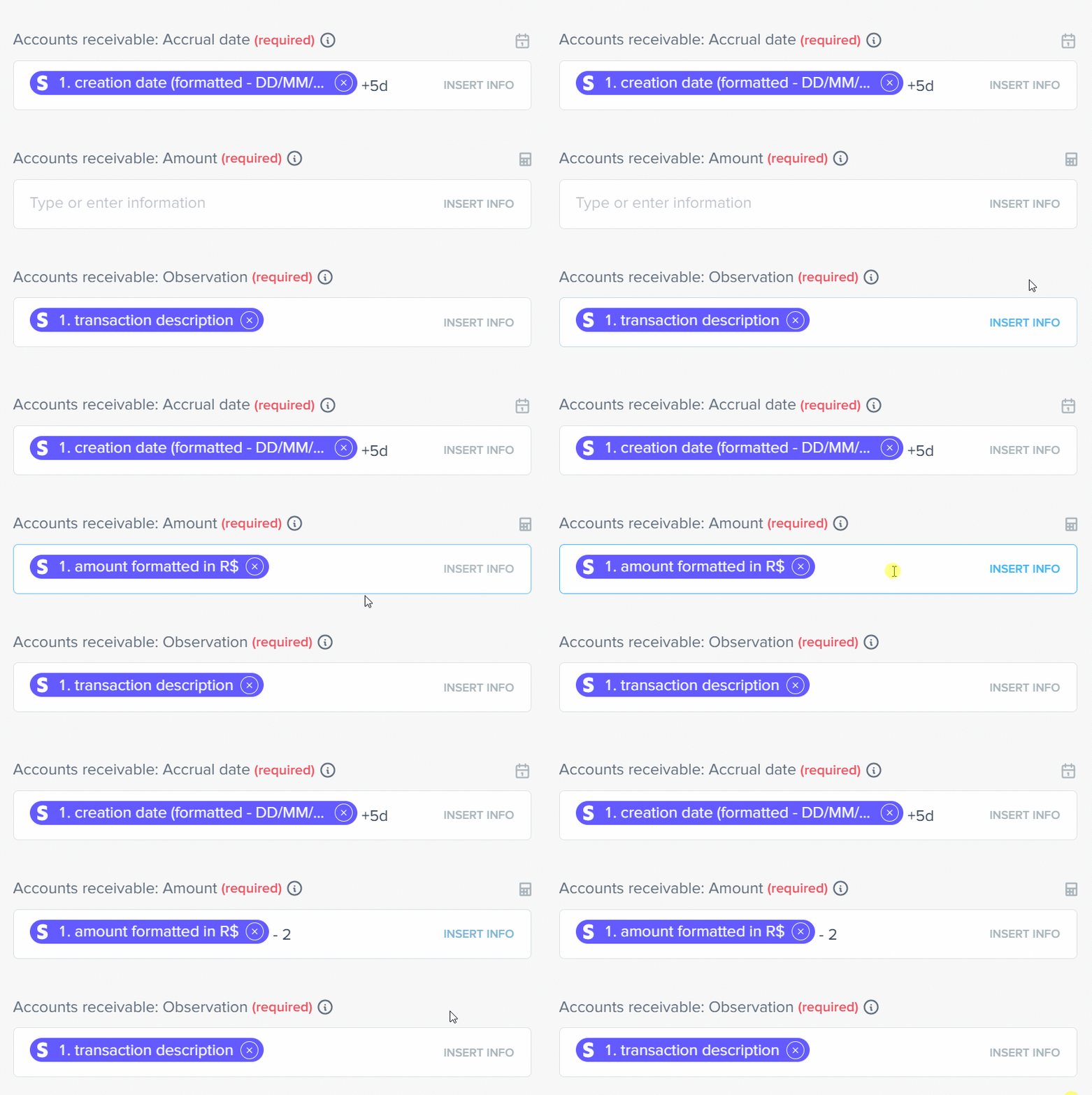
Pluga’s Math Operations allow you to configure automatic calculations inside an automation flow, adjusting numeric values or dates as data moves between apps. All of this without requiring intermediary apps or manual verification steps.
You can use Math Operations to:
Multiply and Divide

Calculate commissions, fees, and discounts.
Add and Subtract
Increase or reduce numeric values.
Adjust dates

Set deadlines by adding or subtracting time.
How Pluga’s Math Operations work in practice
In general, any date or numeric field in a Pluga automation mapping accepts math operations.
Whenever a field displays a calculator icon (for numbers) or a calendar icon (for dates), it means it supports math operations:
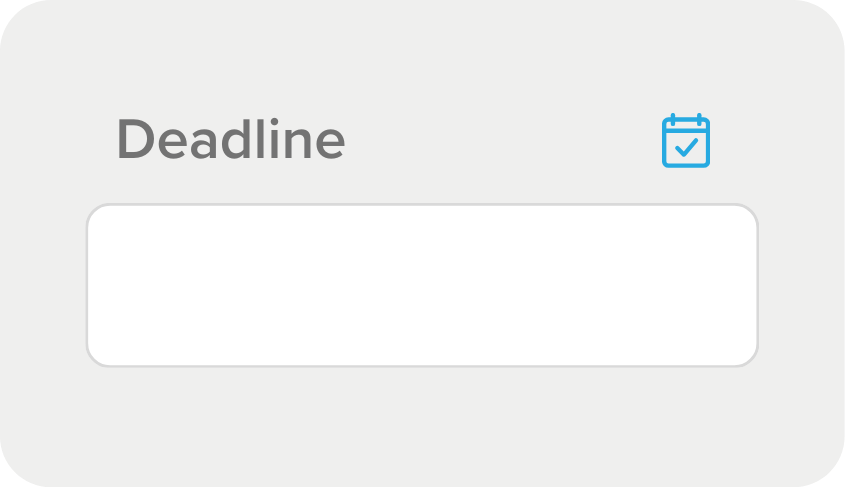
📅 Calendar (date fields)
These fields allow you to add or subtract years, months, weeks, days, hours, minutes, or even seconds.
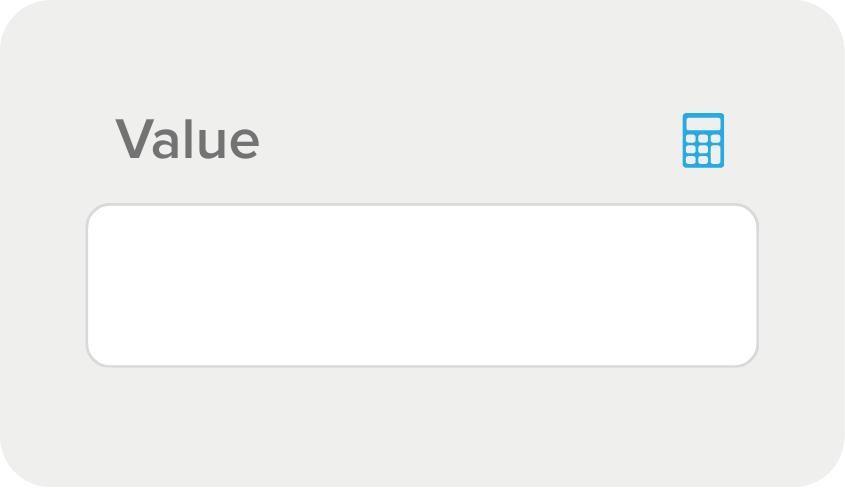
🧮 Calculator (numeric fields)
These fields allow you to perform basic mathematical operations: addition, subtraction, multiplication, and division.
How to configure operations in numeric fields
You can set up the main math operations directly in your automation mapping.
Just apply the mathematical symbol, Pluga handles the calculation for you.
| Operation | Example use |
|---|---|
| (+) Addition | Add a fee to the total amount |
| (-) Subtraction | Subtract discounts or service charges |
| (*) Multiplication | Calculate percentages or interest |
| (/) Division | Split revenue with a partner |
How to configure operations in date fields
In addition to numeric values, you can use to perform operations on date fields.

For example::
+1h ➝ Add one hour;
Você consegue realizar operações com as seguintes unidades de tempo:
Y
year
M
month
W
week
d
day
h
hour
m
minute
s
second
💡 Note: Variables are case-sensitive. This means M (month) is different from m (minute), and Y (year) is different from y (not recognized).
Real use cases
Numeric calculations
Finance: Calculate the net value of a sale
Imagine you sell a product for $500, but for each sale you must pay a fixed $20 fee charged by your payment platform.
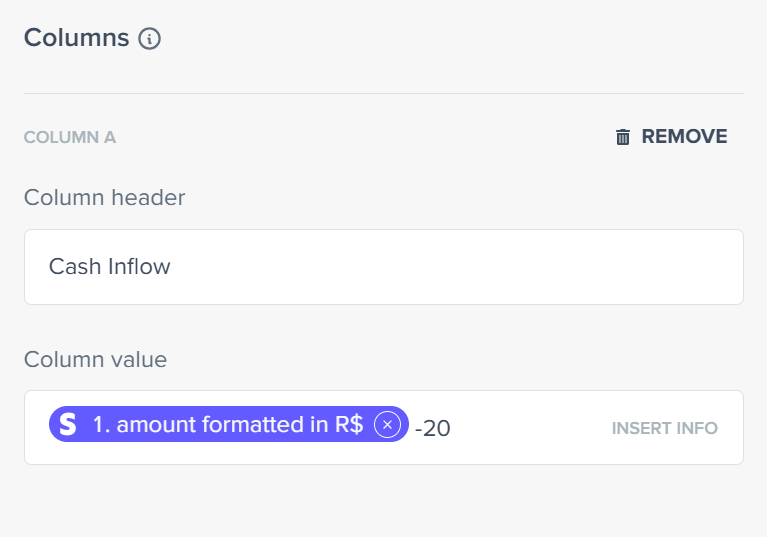
You can automatically subtract the fee to send only the actual receivable amount to your financial system.
In the “Net value” field, simply map: <total amount> -20
The automation will send a net value of $480.
Sales: Calculate commissions and bonuses
Now another scenario: you sell online courses and need to pay the instructor a 10% commission on each sale.
In this case, you effectively receive 90% of the total sale amount.
You can define this rule directly in the mapping by multiplying the sale value by the percentage you keep:
<total amount> *0.9
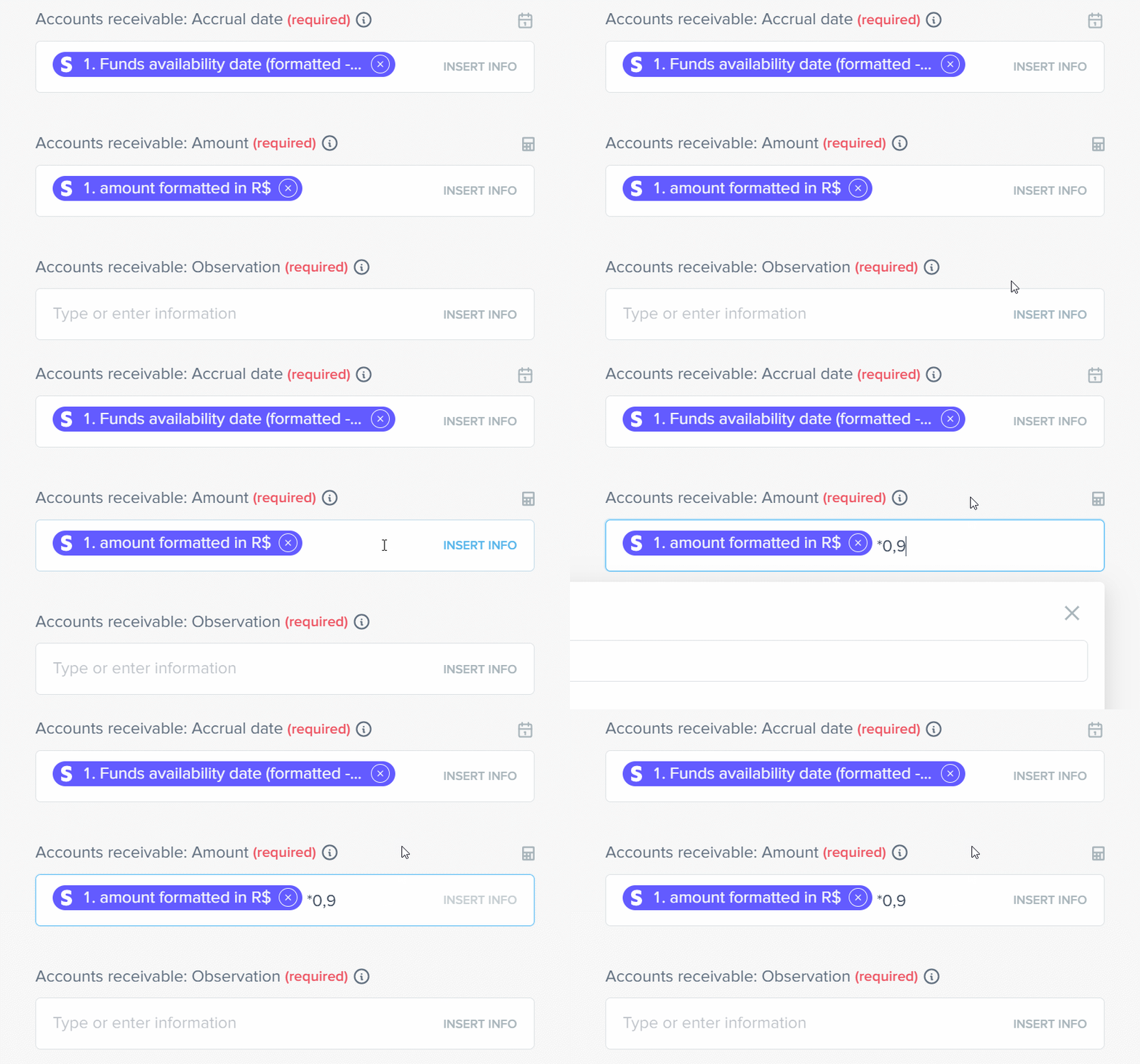
Alternatively, if you need to automatically record only your share of a split sale, for example, half of the total value, just use: <total amount> /2
Date calculations
Add days to an invoice due date
You might register closed deals in your CRM, but the agreed billing date is a few days after the deal is marked as won. Ideally, you want to issue the invoice with a due date set, for example, 5 days after the deal closes.
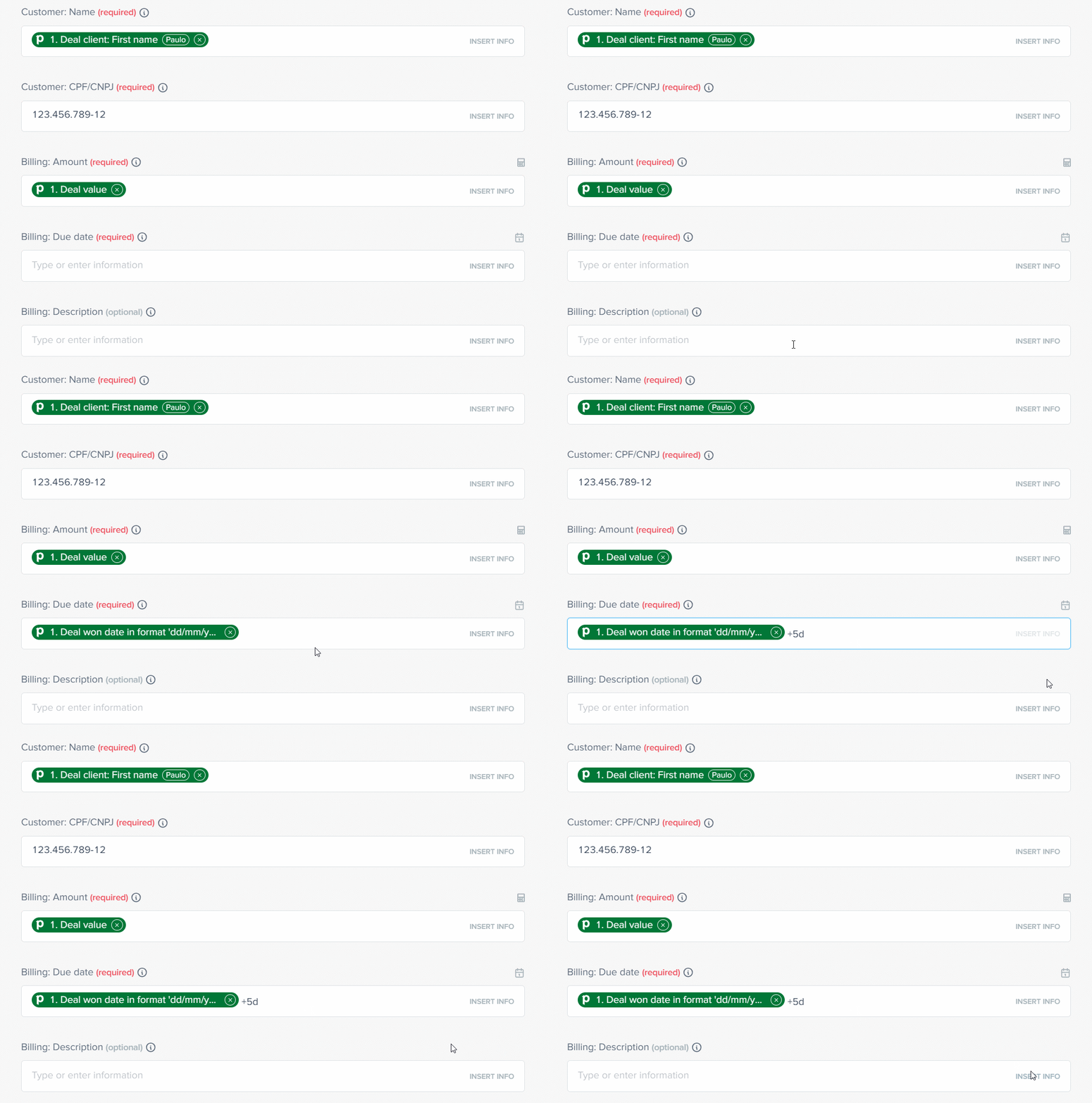
You can add days to the deal close date to fully automate your billing process.
Simply add 5 days to the deal won date:
<deal won date> +5d
The automation will issue the invoice with the correct due date.
Why use Math Operations in Pluga?
Now that you know how Math Operations work in Pluga and the main scenarios where they help, here are the real benefits of automating these data transformations:
✅ Full automation: no external formulas or spreadsheets;
✅ Data accuracy: avoid typing errors and manual calculations;
✅ Greater flexibility: customize values and deadlines to match your process;
✅Seamless integration: combine with Formatter, Conditional Filters, and other Pluga features.
Frequently asked questions
Math Operations are a feature that lets you perform calculations directly inside your automations, without relying on spreadsheets or external apps. You can add, subtract, multiply, divide, and even adjust dates automatically as data moves from one tool to another.
You can use the four basic operators: + (addition), – (subtraction), * (multiplication), and / (division).
You can also add or subtract time in date fields, such as days, weeks, months, or hours.
In any numeric or date field within an automation mapping. Fields with the calculator icon 🧮 accept numeric operations, and fields with the calendar icon 📅 accept time-based operations.